
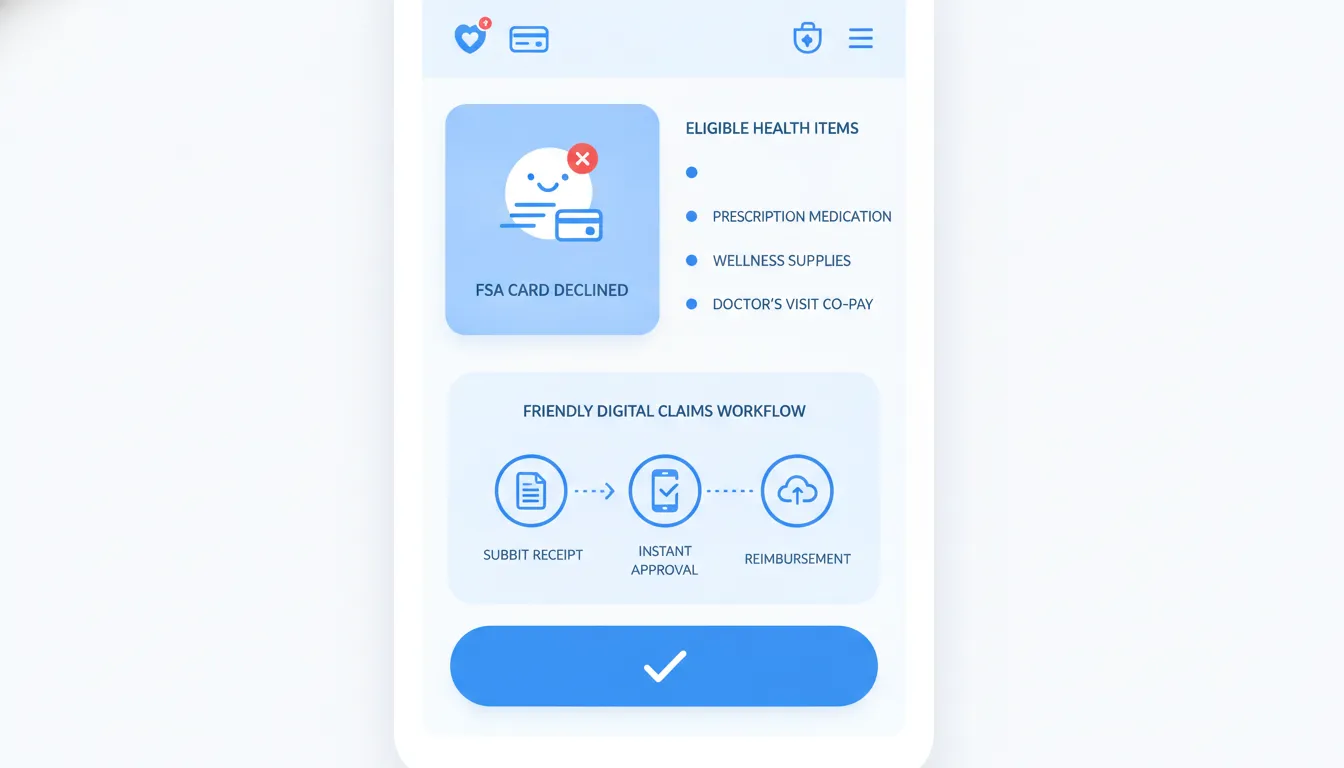
A declined FSA card is frustrating because the error rarely explains the real problem. The item may be eligible, the store may be approved. And the card may still fail at checkout because the system cannot approve that exact transaction in real time.
Explore Daylii for a smarter way to check eligibility, reduce checkout guesswork, and manage reimbursement workflows before a decline slows you down.
FSA card declined errors usually happen for one of six reasons: the merchant is not set up for FSA/HSA payments. The product SKU is not coded as eligible, the cart mixes eligible and ineligible items. The available balance is too low, the plan has restrictions, or documentation is missing.
A decline does not always mean the expense is ineligible. It means the card network, merchant system, or plan administrator could not approve the payment in the moment. Start by checking your balance and card status, then separate the basket, save the receipt, and ask whether reimbursement is the better path.
This guide walks through the checkout causes you can fix now and the deeper coding issues that cause repeat declines. It also explains when to stop retrying the card and file a claim instead.
Why was your FSA card declined even when the purchase looked eligible?
An eligible expense can still be declined when checkout cannot connect the merchant, product, card, and plan rule. Eligibility answers whether an expense may qualify. Card approval answers whether the payment system can verify that expense instantly. Those are related, but they are not the same decision.
An eligible expense can fail at the register because approval depends on several systems at once. The seller must be recognized as an approved health-related merchant. The item must be identified as one of your FSA-eligible items. Your plan must allow the purchase. Your card must have enough available funds and be active for the current plan year.
Merchant and product coding
FSA cards usually work only at merchants with approved health-related merchant category codes, often called MCCs. A store may sell eligible products but still lack the right merchant code. Before shopping, check this guide to stores that accept FSA cards. It can help you separate a merchant issue from an item issue.
At an approved store, the checkout system may rely on a product’s stock keeping unit, or SKU. That code tells the system which items can be paid for with an FSA card. A valid item may decline when its SKU is missing, outdated, or coded incorrectly. That is a checkout data problem, not proof that the expense is ineligible.
Plan, balance, and card status
Your plan administrator applies rules that may be narrower than a general eligibility list. The IRS description of medical expenses covers costs tied to diagnosis, treatment, or prevention. Your plan still decides how it reviews and pays a claim. It may also limit certain product types or require more proof.
Check your available balance, not only your annual election. Confirm the card is activated, has not expired, and belongs to the current plan year. A pending charge can reduce the amount available for a new purchase. If the total is too high, ask whether the merchant can split the payment, or whether you should submit an FSA reimbursement claim instead.
Documentation and review triggers
Some purchases need manual review before a plan will approve them. Dual-use products may need a Letter of Medical Necessity because they can serve both medical and non-medical purposes. Other qualified FSA expenses may need an itemized receipt that shows the product, date, merchant, and amount. A basic card slip may not show enough detail.
A documentation request can appear after a card purchase or block a later transaction. IRS guidance for benefit cards says cardholders must keep enough records, including invoices and receipts when appropriate. Save those records even when checkout succeeds.
What should you do first when your FSA card is declined?
When your FSA card is declined, do the fastest checks first: verify available balance, confirm card activation. Separate eligible items from the rest of the cart, retry direct card entry, then save documentation. If the cause is still unclear, contact your plan administrator before repeated attempts.
A declined FSA card does not always mean the purchase is ineligible. The cause may be your balance, card status, merchant setup, or the items in your cart. Stay at checkout if possible, then work through these steps in order.
Your checkout troubleshooting steps
Start with the checks you can complete in a few minutes. For a deeper review, see the common reasons why your FSA card declined after you finish the steps below.
- Check your available balance. Open your plan portal or app and confirm that enough money is available. Include tax and shipping when comparing the balance with the total.
- Confirm that the card is active. Look for an activation sticker, check the card status online, or call the number on the back. Also confirm that the card has not expired.
- Check the merchant and the item. FSA cards usually work only when the merchant and its checkout system can process eligible medical expenses. Ask the cashier whether the store accepts FSA cards.
- Separate the cart. Put eligible health items in one transaction and pay for all other items separately. This can help when checkout cannot sort eligible items from the rest.
- Try manual card entry online. Skip express checkout or a saved digital wallet. Enter the FSA card number, expiration date, security code, and billing details directly.
- Pay another way and save the itemized receipt. Keep the product name, purchase date, merchant, price, and proof of payment. You may need them to file a reimbursement claim.
- Contact your plan administrator. Share the decline date, merchant, amount, and item details. Ask whether the issue involves your account, the merchant, or a need for more documents.
Why eligible purchases can still fail
An eligible item can still trigger a decline when the merchant or checkout system cannot confirm it. Mixed carts can also fail when the system cannot separate health items from general goods. The IRS guide to medical expenses can help you review broad eligibility rules.
Eligibility and card acceptance are separate checks. A product may qualify for reimbursement even when the card payment fails at the register. Reviewing FSA/HSA eligibility guidance can help you decide whether to keep trying or prepare a claim.
How do merchant and SKU coding issues affect FSA card approvals?
Merchant and SKU coding affect FSA card approvals because checkout must identify both the seller and the exact product. The merchant code shows whether the seller can process benefit cards. The SKU flag shows whether a specific product is eligible for that payment type.
An eligible product can still trigger an FSA card declined message. Approval depends on both the merchant and the product data sent at checkout. If either part is coded wrong, the card system may not see a valid medical purchase.
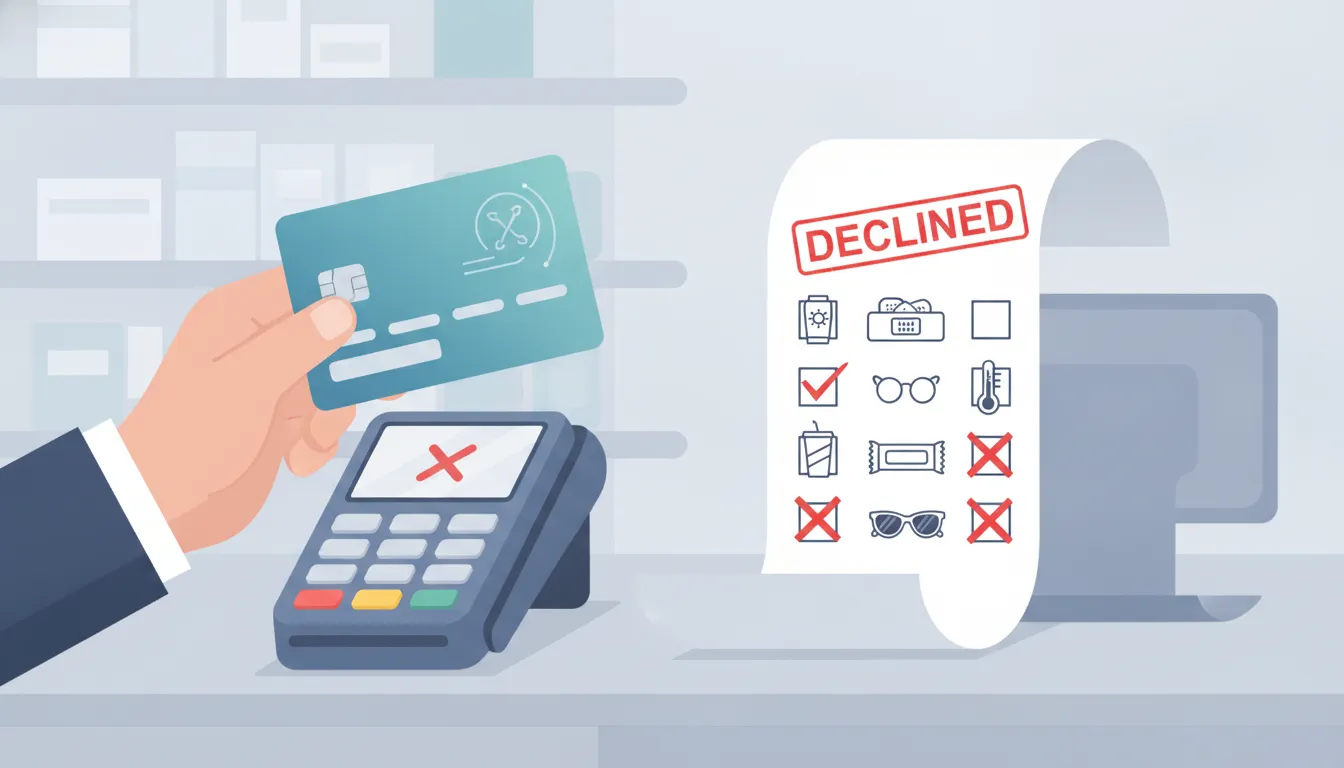
The merchant approval layer
First, the payment network checks the seller. A merchant category code, or MCC, describes the main type of business taking the payment. Pharmacies and medical offices often fit a supported category. A general retailer may need added checkout controls.
This is why the same item may pass at one store and fail at another. A retailer must be set up to handle health benefit cards. Daylii’s guide to stores that accept FSA cards can help shoppers choose a suitable seller before checkout.
IIAS, SIGIS, and SKU-level flags
IIAS means Inventory Information Approval System. In plain terms, it lets a checkout system separate eligible products from the rest of a shopping cart. SIGIS is an industry group linked to standards that many retailers use in this process.
Each product also has a stock keeping unit, or SKU. The retailer’s database can attach an eligibility flag to that SKU. When the flag is missing, old, or wrong, the register may treat an eligible product as ineligible.
SKU checks matter most at stores that sell both medical and everyday goods. A mixed basket may contain eligible bandages and ineligible household items. The system must approve the eligible total while keeping the other items off the FSA card.
How do mixed baskets, plan rules, and documentation gaps cause declines?
Mixed baskets, plan rules, and documentation gaps cause declines when checkout cannot prove that every charged dollar matches an eligible expense. One ineligible item can stop a cart. A plan-specific restriction or missing receipt detail can also prevent approval until the purchase is reviewed manually.
Mixed-basket checkout failures
A mixed basket contains both FSA-eligible and ineligible items. Some checkout systems can split the total and charge the FSA card only for eligible products. Others cannot separate the items, so the full transaction may fail. In that case, an FSA card declined message does not prove that every item in the cart is ineligible.
Remove the everyday items, then retry the eligible products as a separate purchase. Check each product rather than trusting its general category, since eligibility can depend on the specific item and its intended use. Daylii’s guide to identifying eligible items can help before checkout. If the separate purchase still fails, save the cart details and receipt for the next step.
Plan rules and medical necessity
Federal tax rules set the broad standard for eligible medical expenses, but your plan handles claims under its own terms. The IRS medical expense guidance generally ties eligibility to diagnosing, treating, easing, or preventing illness. Your plan may still ask for proof that shows how a purchase meets that standard.
A Letter of Medical Necessity, often called an LMN, explains why a product is needed for care. It may be required for a dual-use item that can support health but also has an everyday purpose. Supplements, home devices, and therapy equipment can fall into this group. Ask your plan what the letter must include, who may write it, and how long it remains valid.
| Situation | Retry the FSA card | Pay out of pocket and claim later |
|---|---|---|
| Mixed basket. | Separate eligible items first. | Use if checkout still cannot split payment. |
| Plan rule unclear. | Retry after checking plan terms. | Wait until the plan confirms eligibility. |
| Dual-use item. | Retry after obtaining any required LMN. | Submit the LMN with the claim. |
| Missing receipt. | Ask the merchant for an itemized copy. | Do not claim until proof is available. |
| Urgent purchase. | Try once after a quick balance check. | Pay, retain proof, and file a claim. |
Explore Daylii to see how clearer eligibility signals and automated reimbursement workflows can reduce the back-and-forth after a checkout decline.
When is reimbursement smarter than retrying the card?
Reimbursement is smarter than retrying when the purchase appears eligible but the merchant or checkout system cannot process the card after one careful retry. It is also the better path when documentation, a plan review, or a Letter of Medical Necessity is likely to decide the claim.
When an FSA card is declined after one careful retry, paying out of pocket may be the cleaner path. Repeated attempts will not fix a merchant coding issue. They can also slow down a purchase you need.
First, confirm that the expense appears eligible and check your available balance. Then save every document from the sale. If either point is unclear, review the reasons why your FSA card declined before choosing reimbursement.
Signs it is time to stop retrying
Move to reimbursement when the merchant cannot process benefit cards, yet the expense appears eligible under your plan. This route also makes sense after a mixed-cart decline. Pay for the eligible item separately with another payment method, then build a clear claim.
A card decline does not decide whether an expense qualifies. The card is only one way to pay. Reimbursement lets the plan administrator review the purchase documents instead of relying on checkout coding.
Documents that support a clean claim
Keep more than a card slip. The IRS says cardholders must retain sufficient documentation, including invoices and receipts where appropriate. An itemized receipt should show what you bought, the purchase date, the seller, and the amount paid.
- Use an itemized invoice when the standard receipt does not name the product or service.
- Add an explanation of benefits when the claim involves insurance processing or a remaining patient cost.
- Include requested proof of medical necessity for a dual-use item with both health and general uses.
- Keep proof that you paid the expense yourself, especially when an invoice still shows a balance.
Before submitting, compare the expense with your plan rules and FSA/HSA eligibility guide. If the administrator asks for more support, respond with the exact document requested. Do not send unrelated medical records.
How can you prevent future FSA card declines?
You can prevent many future FSA card declines by checking the merchant, product eligibility, available balance, and documentation before checkout. Separate eligible items, avoid express payment tools when they create errors, keep itemized receipts, and know when reimbursement is the safer backup plan.
A few checks before checkout can lower the chance of another decline. Start with the merchant, the item, and your current balance. Keep a backup reimbursement path ready in case the card still fails.
A cleaner checkout
Shop with merchants that support FSA card payments and can flag eligible items at the product level. An eligible purchase may still fail when the store or item has the wrong checkout code. A guide to stores that accept FSA cards can help you choose where to shop.
Separate eligible health items from food, household goods, and other purchases. A mixed basket may fail when the checkout system cannot tell which items qualify. Splitting the order also makes the receipt easier to review and submit later.
- Check the product page or shelf label for an FSA eligibility note.
- Use the FSA card only for the eligible part of the order.
- Enter card details by hand if an express online checkout rejects the card.
- Save the itemized receipt after every purchase.
Plan rules and records
Read your plan documents before making a less common purchase. Your plan may ask for added proof or may limit how the card works. The IRS guide to medical expenses explains broad federal rules, but your plan administrator handles the final claim review.
Keep receipts, invoices, prescriptions, and any Letter of Medical Necessity with your plan records. Cardholders must retain enough documents to support expenses paid with the card. Clear records make it easier to answer a request for proof or file a reimbursement claim.
How does Daylii make declined-card confusion easier to solve?
Daylii is designed to make declined-card confusion easier by combining SKU-level eligibility checks with automated reimbursement support. The goal is to help people understand what qualifies, what documentation they need, and when a claim workflow is cleaner than another checkout attempt.
An FSA card declined message can turn a routine purchase into a guessing game. Daylii is designed to reduce that guesswork by showing eligibility at the product SKU level. This detail helps separate a product’s eligibility from a retailer’s ability to process the card.
That difference matters because a decline does not always mean the item is ineligible. A retailer may have a coding issue, or its checkout system may not recognize the SKU. Daylii gives users clearer product-level context before they spend.
From receipt to reimbursement
DayliiReimburse is designed to parse receipts, match purchases to eligibility rules, and support automated claim workflows. That matters most when the card fails but the expense may still qualify. Instead of making the user interpret every rule alone, the workflow focuses on the claim evidence a plan needs.
Daylii’s broader platform connects FSA/HSA product discovery, eligibility, and reimbursement into one cleaner experience. DayliiMarketplace is built around SKU-level eligibility. DayliiReimburse focuses on the messy claim process. DayliiPulse is intended to help users track balances, deadlines, and spending opportunities.
A long-term fix for a recurring problem
One decline is annoying. Repeat declines create doubt and leave benefit dollars unused. Daylii’s long-term value is not simply another place to shop. It is a smarter system for understanding eligible products, capturing the right documents, and moving from checkout uncertainty to a cleaner next step.
For FSA and HSA users, that means fewer moments where an error message becomes the whole experience. For employers and administrators, it means clearer utilization and less avoidable friction around benefit spending.
Frequently Asked Questions
Why is my FSA card being declined when I have money?
Your FSA card may decline even with money available because the issue is not only your balance. The merchant may not accept FSA cards, the product SKU may not be flagged as eligible, your cart may include ineligible items, or your plan may require documentation. Check the available balance first, then review the merchant, item, and plan rules.
Why will my FSA card not go through online?
Online checkout can fail when a retailer cannot verify eligible items. A digital wallet masks card details, the billing address does not match, or the cart includes ineligible products. Try entering the card manually, separating eligible items, and confirming that the retailer accepts FSA or HSA cards.
Can I get reimbursed if my FSA card declined?
You may be able to get reimbursed if the expense qualifies under your plan. Pay another way only if you can cover the cost, then save the itemized receipt, proof of payment, and any required medical necessity documentation. Submit the claim through your plan administrator’s process.
Does a declined FSA card mean the item is not eligible?
No. A declined card means checkout could not approve the transaction in real time. The item may still qualify after review if your plan accepts the expense and you provide the required documents.
What should I keep after an FSA card decline?
Keep the itemized receipt, product name, merchant, purchase date, amount, proof of payment, decline message if available, and any requested Letter of Medical Necessity. These details help your administrator review the purchase or reimburse you later.
Ready to make FSA and HSA spending easier?
A declined card should not leave you guessing whether an expense qualifies or which document you need next. Daylii helps bring more clarity to eligible products, SKU-level decisions, and reimbursement workflows so healthcare spending feels less scattered. Explore Daylii to see how automated eligibility and reimbursement support can help you take the next step with confidence.