
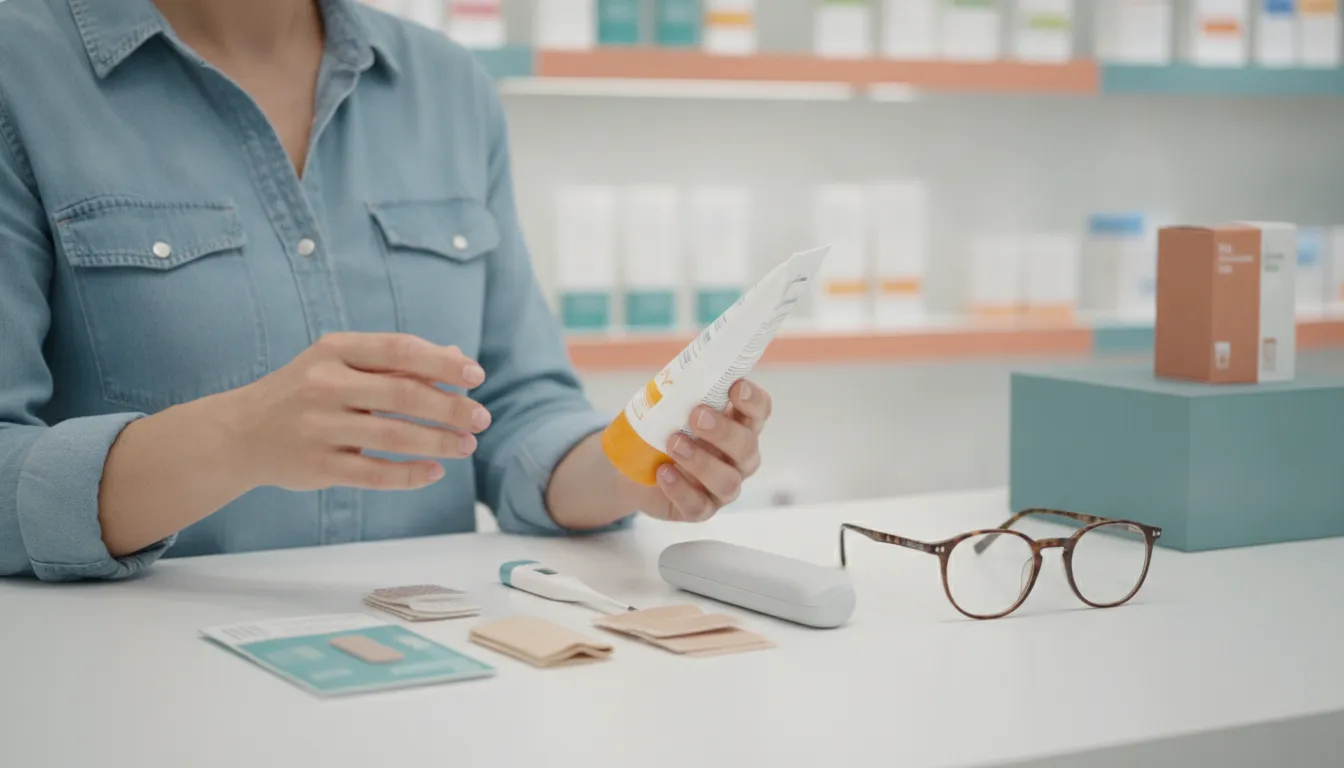
Checking whether a product is FSA eligible before you buy it takes more than spotting a health-related item or a retailer badge. The safest approach is to verify the exact product, review your plan’s rules, identify any required documentation, and keep an itemized receipt. That short process can reduce surprises at checkout and make a later reimbursement claim easier to support.
This guide focuses on that before-you-buy decision. For a wider view of categories and examples, see our complete guide to FSA eligible products. FSA eligibility and reimbursement can vary by plan and circumstance, so confirm uncertain purchases with your plan administrator before spending.
How can you tell if a product is FSA eligible?
An FSA generally reimburses qualified medical expenses that are used to diagnose, treat, mitigate, or prevent a disease, or to affect a structure or function of the body. That definition helps explain why a product’s purpose matters. Two items that look similar can receive different treatment because one is intended for medical care and the other is intended only for general wellness or personal use.
Start with the exact product rather than a broad category name. Check its intended use, active ingredients or specifications, and whether a retailer identifies that specific size or model as eligible. Then compare what you find with your plan documents. Our guide to FSA-eligible items explained provides more background on how eligibility works.
Generally eligible products
Some products are commonly eligible because their primary purpose is clearly medical. Examples can include first-aid supplies, diagnostic devices, contact lens supplies, and many over-the-counter medicines. However, eligibility can still depend on the exact item and current rules. A category-level example is a useful starting point, not proof that every variation qualifies.
Conditionally eligible products
Conditionally eligible items may qualify only when they are used to treat a diagnosed condition or when supporting documentation is provided. A plan might request a Letter of Medical Necessity, prescription, or other documentation that connects the product to medical care. The same item may be eligible for one person’s documented medical need but not for another person’s general wellness use.
Products that are usually not eligible
Products bought for general health, comfort, grooming, or cosmetic purposes are often not eligible unless a specific medical circumstance changes their treatment. Do not assume that a product qualifies simply because it is sold in a pharmacy, appears near eligible products, or contributes to a healthy routine. Check the exact item and ask your administrator when its purpose is unclear.
| Eligibility signal | What it means before purchase | Best next step |
|---|---|---|
| Generally eligible | The product’s primary use commonly meets FSA rules. | Verify the exact item and save the itemized receipt. |
| Conditionally eligible | The product may need a documented medical purpose. | Confirm documentation requirements before buying. |
| Usually not eligible | The product is commonly for general wellness or personal use. | Do not use FSA funds unless your administrator confirms an exception. |
A before-you-buy FSA eligibility checklist
Use this repeatable checklist whenever an item’s status is not obvious. It takes a little longer than relying on a badge, but it creates a clearer record if your card is declined or a claim is reviewed later.
- Identify the exact product, including its brand, size, model, or SKU.
- Check the retailer’s eligibility indicator and product description.
- Review your plan’s eligible-expense rules and exclusions.
- Determine whether a Letter of Medical Necessity or other documentation is required.
- Ask your plan administrator before purchase if the answer remains uncertain.
- Separate mixed carts when possible and keep an itemized receipt.
Check the exact product or SKU
Small differences can matter. One version of a product may have a medical purpose while another is marketed for comfort or convenience. Search using the full product name and, when available, the UPC, SKU, model number, size, or active ingredient. For online purchases, read the complete product page instead of relying only on a search-result badge.
If a retailer offers an eligibility filter, use it to narrow your options, then open the product detail page and confirm that the indicator applies to the exact item in your cart. Save a screenshot or product-page record if the purchase could be questioned later.
Review your plan’s rules
Your FSA is administered according to plan terms. Review the eligible-expense list, exclusions, claim instructions, and deadlines in your plan portal or summary documents. When a general online list and your plan materials seem to conflict, ask your plan administrator which rule applies to you.
Also check whether your plan has special requirements for recurring purchases, reimbursements, or purchases made late in the plan year. Eligibility does not automatically mean a claim will be approved if the required submission steps are missed.
Pay attention to timing rules as well. A plan may distinguish between the date you buy an item, the date a service is provided, and the deadline for submitting documentation. Some plans offer a grace period or permit limited carryover, while others do not. These rules affect when funds can be used, even when the underlying product is eligible.
It also helps to separate the idea of an eligible expense from an approved claim. Eligibility describes whether an expense may qualify under applicable rules. Approval depends on whether your purchase, timing, documents, and plan requirements support reimbursement. Verifying all four before checkout gives you a much clearer answer.
Look for documentation requirements
Before purchasing a conditionally eligible item, find out what documentation your administrator expects. The requirement may include a Letter of Medical Necessity, a provider statement, a prescription, or proof that the product is being used to treat a particular condition. Requesting that information before purchase is usually easier than trying to reconstruct it after a claim is denied.
Ask how the documentation must be submitted and whether it needs specific details. A useful provider statement may need to identify the medical condition, explain why the product is recommended, and state how long it is needed. Keep the original document and a digital copy with your receipt so both are available if the plan requests substantiation.
Separate mixed carts and save an itemized receipt
A mixed cart contains both eligible and non-eligible products. Separating those purchases can make payment and recordkeeping simpler, especially when using an FSA card. Whether you split the cart or not, keep an itemized receipt that shows the merchant, purchase date, product names, amounts, and payment method.
A credit card total or shipping confirmation may not provide enough detail for a reimbursement claim. Retain related documentation with the receipt, including any provider letter or plan-administrator confirmation.
Do retailer FSA labels guarantee eligibility?
No. A retailer’s FSA label is a useful shopping signal, but it does not guarantee that your plan will approve the purchase or reimbursement. Retailers use product data and eligibility systems to identify qualifying items, yet errors, product changes, plan-specific rules, and documentation requirements can still affect the final result.
Treat a badge as the beginning of your check, not the end. Confirm that the badge applies to the exact product, read any eligibility notes, and review your plan rules. This is particularly important when an item can serve both a medical and a general-wellness purpose.
Product variations deserve special attention. A multipack, bundle, refill, different strength, or accessory may not share the same status as the main product shown in search results. If the badge disappears after you select a size or seller, stop and verify the final cart item before paying.
The same caution applies to payment acceptance. A card system may recognize the merchant or item, but the plan can still request proof afterward. Save the product description, itemized receipt, and any eligibility note until the claim window has closed.
When do you need a Letter of Medical Necessity?
A Letter of Medical Necessity, often called an LMN, may be required when a product or service is eligible only because it treats a diagnosed medical condition. The letter typically explains the condition, why the item is medically necessary, and the expected treatment period. Your administrator can tell you whether an LMN is required and what information it must include.
Do not assume that a provider recommendation alone makes an item reimbursable. Ask your administrator for its current LMN form or requirements before buying. Also confirm whether the letter must be renewed and whether approval is needed before the purchase date.
When contacting your provider, bring the plan’s requirements rather than asking for a generic note. This reduces the chance that important information is omitted. Keep in mind that an LMN supports the medical purpose of an item; it does not override all other plan rules or guarantee that the claim will be approved.
How to check eligibility online and in stores
Online shopping gives you time to compare the product page with your plan rules. Use the retailer’s FSA filter, inspect the exact listing, read eligibility notes, and save the order confirmation and itemized receipt. When shopping on a marketplace with many sellers, verify that the indicator remains attached to the exact seller and variation you select. See our practical guide on how to find FSA items on Amazon for a marketplace-specific walkthrough.
In a store, look for shelf tags or register indicators, but keep the same verification mindset. Ask a staff member to confirm the exact product code when possible. If the item is conditionally eligible or expensive, pause and contact your administrator before checkout rather than relying on whether the card processes.
A processed FSA card transaction is not necessarily a final eligibility determination. Plans can request substantiation after purchase, so keep the receipt and supporting documents even when the card is accepted.
If you are buying several items, review the final cart before submitting payment. Remove substitutions you did not verify, confirm quantities, and note any discounts that change line-item totals. For delivery orders, check the final receipt after fulfillment because an out-of-stock item may have been replaced with a different product.
What to do when you still are not sure
When the available signals do not produce a clear answer, ask your plan administrator before making the purchase. Provide the exact product name, product link or SKU, intended medical use, and any provider documentation you have. A specific question is more likely to produce a useful answer than asking whether a broad category is eligible.
Keep a copy of the response when possible. If the administrator cannot confirm eligibility in advance, consider paying with a personal payment method and submitting a claim only after gathering the required documentation. That approach can prevent an FSA card issue at checkout, although it does not guarantee reimbursement.
If you decide not to buy the uncertain item, look for an alternative whose medical purpose and eligibility status are clearer. Compare exact products rather than brands. A clearly eligible alternative can simplify both checkout and recordkeeping without forcing a guess.
Quick rule: if an item’s purpose, exact variation, or documentation requirement is unclear, pause before purchase and confirm with your plan administrator.
What if your FSA card is declined?
A declined FSA card does not always mean the item is ineligible. The merchant may not support the card, the eligible item may be mixed with non-eligible items, the transaction amount may exceed the available balance, or the plan may require additional documentation. Review the decline message, check your balance, and confirm that the merchant and exact product can be processed through the card system.
You may be able to pay another way and submit a reimbursement claim with an itemized receipt and supporting documents. Before doing so, verify eligibility and claim requirements with your administrator. Follow our guide on what to do if your FSA card is declined for a more detailed troubleshooting process.
Avoid repeatedly running the same transaction without checking the cause. Instead, remove non-eligible items, verify the available balance, and ask whether the merchant’s checkout supports FSA cards. If you pay personally, retain the decline details with your claim records in case they help explain what happened.
Make the purchase with confidence
The most reliable way to evaluate FSA eligible products is to combine several checks. Verify the exact item, understand its medical purpose, review your plan’s rules, gather documentation before buying, and save an itemized receipt. Retailer labels and card acceptance can help, but neither replaces your plan administrator’s determination.
Use the same checklist each time uncertainty arises. A few careful steps before checkout can help you choose the right payment method, prepare a stronger reimbursement claim, and avoid treating a broad product category as a guarantee.
This article is for educational purposes only and is not financial, tax, or medical advice. FSA plan terms and eligibility rules can vary. Confirm uncertain purchases and documentation requirements with your plan administrator.