
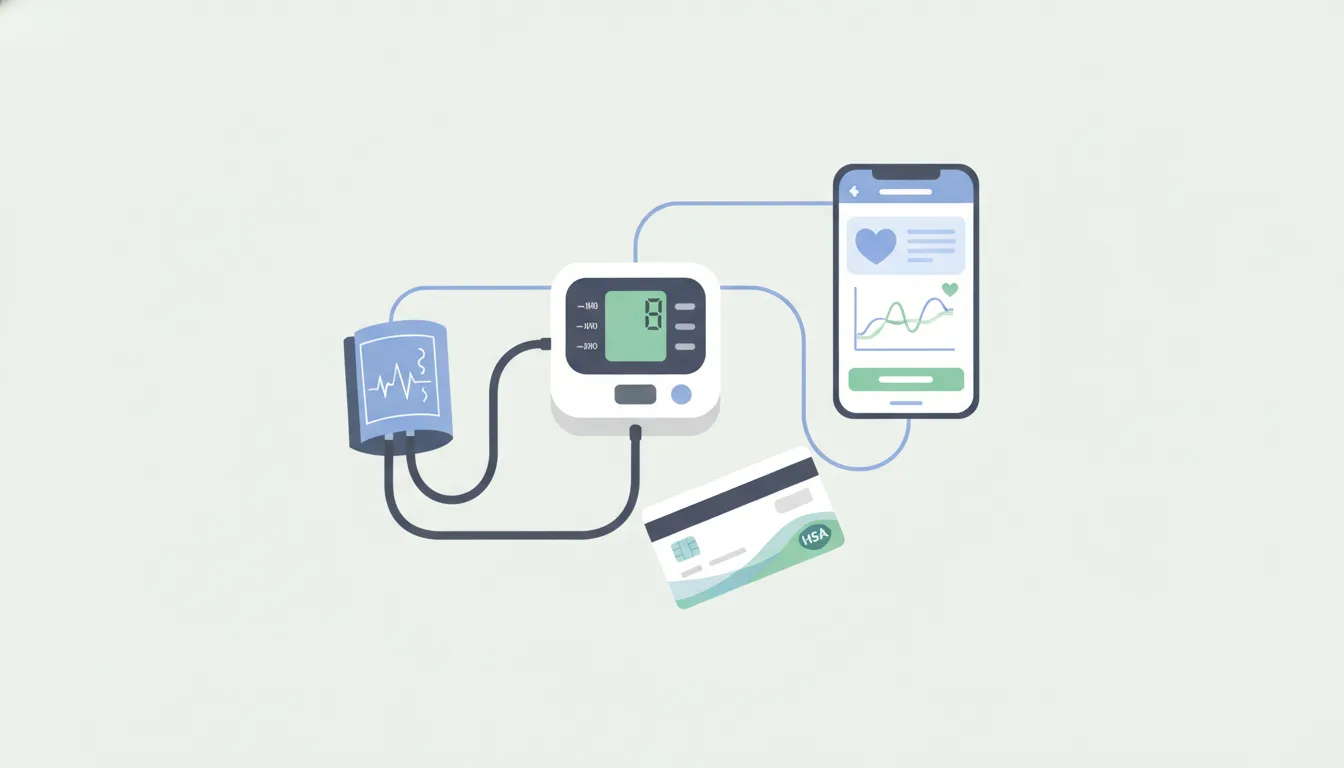
If you are monitoring blood pressure at home, the device you choose is more than a convenience purchase. It can become part of a daily routine that helps you notice patterns, prepare for appointments, and use your health benefits with more confidence.
An HSA eligible blood pressure monitor is generally a home medical device used to monitor a medical condition. It may be purchased with HSA or FSA funds, or submitted for reimbursement, when your plan rules allow it. The safest approach is to confirm the product category, keep the right records, and choose a monitor that fits how you actually measure and share readings.
That is where the decision gets practical. Upper-arm cuffs, wrist monitors, connected devices, and replacement accessories can all look similar at checkout. They are not always equal for fit, documentation, or long-term use. This guide explains how to choose carefully, pay correctly, and use connected monitoring as one part of a more proactive health routine.
What makes an HSA eligible blood pressure monitor eligible?
A blood pressure monitor usually qualifies because it is a medical monitoring device, not a general wellness item. IRS medical expense rules focus on products used for the diagnosis, cure, mitigation, treatment, or prevention of disease. When a device helps someone monitor hypertension, pregnancy-related blood pressure concerns, cardiovascular risk, or another condition, it has a clearer medical purpose than a gadget bought only for curiosity.
That does not mean every listing, bundle, or accessory should be treated casually. Your HSA is tax-advantaged, so you are responsible for using it for qualified medical expenses and keeping support for the purchase. If your HSA debit card works at checkout, that is helpful, but it is not a final legal ruling. If your card is declined, that also does not always mean the item is ineligible. Retailer coding, plan administrator rules, and product category data can all affect the purchase experience.
The strongest signal is the product category. A home blood pressure cuff, a digital upper-arm unit, or a wrist blood pressure monitor sold as a medical device is different from a smartwatch marketed mainly for general fitness. Some connected devices include blood pressure tracking, irregular rhythm alerts, app reports, or clinician-sharing features. Those features can support monitoring, but they should not be used to make unsupported medical claims.
Before buying, ask a simple question: is this product necessary for monitoring a medical condition or supporting care? If yes, it is more likely to fit the HSA eligible medical device category. If the answer is mostly wellness, performance, or lifestyle tracking, review the plan rules more carefully before paying with HSA funds.
For broader context on qualified categories, daylii readers can review this HSA eligible products guide and the complete overview of HSA eligible items. Those resources help place blood pressure monitors inside the larger benefits picture.
Which type of blood pressure monitor should you buy?
The best monitor is the one you can use correctly and consistently. Many people default to the cheapest option or the first product marked HSA/FSA eligible. The right choice depends on cuff fit, reading accuracy, mobility, app support, and whether someone else will help you take readings.
Upper-arm monitors are often the most familiar home option. They use a cuff around the upper arm and are commonly recommended for routine home monitoring. Wrist monitors can be useful for travel or for people who cannot comfortably use an upper-arm cuff, but positioning matters. A wrist device needs to be held at heart level, and inconsistent positioning can affect readings.
Connected monitors add an app layer. They may store readings automatically, show trends, send reminders, and create reports you can discuss with a clinician. That can be useful if you are tracking readings over weeks instead of writing numbers in a notebook. The tradeoff is that connected features can add cost, setup steps, account creation, and privacy considerations.
| Monitor type | Best fit | What to check |
|---|---|---|
| Upper-arm cuff | Routine home monitoring | Cuff size and eligible labeling |
| Wrist monitor | Portability | Positioning instructions and fit |
| Connected monitor | App-based trend tracking | App compatibility and privacy settings |
| Replacement cuff | Maintaining a monitor | Device compatibility and itemized receipt |
Fit is not a small detail. A cuff that is too small or too large can make home readings less reliable. Check the size range in inches before checkout, especially if you are buying for another person. If the monitor will be used by multiple household members, look for multiple user profiles or enough memory storage to keep readings separate.
Also consider how the device will be used after the first week. A simple monitor may be better if you want a large screen and one-button operation. A connected monitor may be better if you want trends, reminders, and easier recordkeeping. The point is not to buy the most advanced device. The point is to buy the device you will use correctly when the reading matters.
How do you check eligibility before checkout?
Eligibility checks are easiest before money changes hands. A few minutes of review can prevent card declines, reimbursement questions, or confusing records later.
- Start with the product category. Look for terms like blood pressure monitor, blood pressure cuff, home blood pressure unit, or health monitoring device. A clear medical device category is stronger than a broad wellness label.
- Look for HSA/FSA eligible labeling. Retailers often tag eligible items, but treat the label as a helpful signal rather than the only proof. Product feeds can be imperfect, especially for bundles and marketplace listings.
- Check what is included. A monitor and cuff may be eligible, while unrelated add-ons in a bundle may be less clear. If the bundle mixes medical and nonmedical items, save the itemized details.
- Review your plan administrator rules. HSAs have federal qualified expense rules, but administrators can still ask for documentation. FSAs and HRAs may have plan-specific rules that affect substantiation.
- Keep the receipt even if your card works. You may need records later for reimbursement, tax support, or plan review. Save the order confirmation, product page, and proof of payment.
If your HSA card is declined, do not assume the purchase is impossible. You may be able to pay with a regular card and submit a reimbursement claim if the item qualifies under your plan. The reverse is also true. If the card is accepted, keep documentation because you are still responsible for proving the expense if asked.
daylii is built around reducing this kind of uncertainty. Instead of forcing people to decode every eligible category manually, the platform focuses on clearer discovery, eligibility support, and benefit-spending confidence. That matters for products like blood pressure monitors because the purchase often sits at the intersection of healthcare, retail, and tax-advantaged benefits.
What documents should you keep for reimbursement?
Good documentation makes HSA and FSA spending less stressful. For a blood pressure monitor, save more than a credit card charge. You want a record that shows what you bought, when you bought it, how much you paid, and why the item fits a medical expense category.
At minimum, keep an itemized receipt or order confirmation. It should show the product name, retailer, purchase date, price, taxes, and payment method. If the product page clearly says HSA/FSA eligible, save a PDF or screenshot of that page at the time of purchase. Product listings can change, and your future self may not be able to find the same evidence later.
If you submit for reimbursement, your administrator may ask for the receipt and a description of the item. In some cases, the medical purpose is obvious from the category. In other cases, especially with connected or multipurpose devices, you may need clearer support showing that the product is used for monitoring a medical condition. A note from a clinician is not always required for a standard blood pressure monitor, but your plan may ask for additional information in edge cases.
Replacement accessories deserve extra care. A cuff that is necessary to use a qualified monitor is easier to explain than a vague accessory bundle. Keep compatibility information, such as the monitor model, cuff size, and product description. If you buy batteries, adapters, or carrying cases, review the plan rules before assuming each item has the same eligibility status as the monitor.
A simple recordkeeping folder can help. Save receipts by year, label the file with the product and date, and keep any reimbursement confirmation. If you use an HSA for long-term tax advantages, clear records protect the value of that account and reduce friction if questions come up later.
How connected monitors support proactive care
A connected blood pressure monitor can turn isolated readings into a clearer pattern. Instead of relying on memory or a paper log, the device can send readings to an app. It can display trends and help you notice whether measurements are changing over time. That can make conversations with a clinician more specific.
For someone managing a diagnosed condition, this can be especially useful. A few readings taken at random may not tell the full story. A structured log over several days or weeks can help show how readings vary by time of day, medication timing, stress, sleep, or activity. Connected monitors can also reduce transcription errors because the number moves directly from the device into the app.
Some devices include reminders, multi-user profiles, irregular heartbeat notifications, or reports that can be shared before an appointment. These features support proactive care, but they should be treated as monitoring aids, not diagnosis. If a device flags an irregular rhythm or unusual reading, the right next step is to follow the product instructions and contact a qualified healthcare professional when appropriate.
Connectivity also creates practical questions. Does the app work with your phone? Can you export readings? Can another caregiver help access the information? Do you understand the privacy settings? A device that stores data beautifully but is hard to set up may not be the best choice for daily use.
This is where daylii’s broader approach matters. Healthcare spending should not feel reactive, fragmented, or confusing. When eligibility guidance and health engagement work together, people can choose tools that support care today and make future decisions easier. A monitor is still just one device, but the right device, paid for correctly and used consistently, can create more clarity around your health.
Common mistakes to avoid when paying with HSA funds
The first mistake is assuming every product variation is eligible because one similar product is. A standard home blood pressure monitor may be clearly eligible, while a bundle, accessory pack, or multipurpose wearable may need more review. Always check the exact item you are buying, not just the general category.
The second mistake is buying without checking cuff size. A monitor that does not fit correctly can become a wasted purchase and a weak health tool. Read the cuff range, compare it with the user’s arm size, and consider whether a replacement cuff is available if needed.
The third mistake is confusing medical monitoring with general wellness tracking. A product used to monitor a medical condition has a stronger eligibility case than a device bought only for lifestyle curiosity. If a product includes many features beyond blood pressure monitoring, keep documentation that clearly supports the medical purpose.
The fourth mistake is throwing away records. HSA and FSA purchases can feel finished once checkout is complete, but documentation is part of using benefits correctly. Keep receipts, product descriptions, reimbursement confirmations, and any plan communication in one place.
The fifth mistake is treating device alerts as medical answers. Home monitors can help you track information, but they do not replace diagnosis or care from a qualified clinician. Use the readings to support better conversations, not to self-diagnose or ignore concerning symptoms.
If you are still mapping out what else your benefits may cover, this list of HSA eligible expenses can help you see how a blood pressure monitor fits into a broader health spending strategy.
Frequently asked questions
Can I buy a blood pressure monitor with my HSA card?
Yes, in many cases you can buy a blood pressure monitor with an HSA card because it is generally treated as a medical monitoring device. Confirm your specific plan rules and keep an itemized receipt in case documentation is requested.
Is a wrist blood pressure monitor HSA eligible?
A wrist blood pressure monitor may be HSA eligible when it is used for medical monitoring. Check that the product is sold as a blood pressure monitor, follow the positioning instructions carefully, and save the product details with your receipt.
Are replacement cuffs and accessories HSA eligible?
Replacement cuffs may qualify when they are necessary to use an eligible blood pressure monitor. Accessories are more case-specific, so keep compatibility details and avoid assuming every add-on has the same eligibility status.
What documentation do I need for HSA reimbursement?
Keep the itemized receipt, order confirmation, product description, purchase date, amount paid, and proof of payment. For connected or multipurpose devices, save details that show the item is used for blood pressure monitoring.
Can a blood pressure monitor detect AFib?
Some connected monitors include irregular heartbeat or AFib-related alerts, but those features do not replace professional diagnosis. Treat alerts as information to discuss with a qualified healthcare professional.
Ready to choose a monitor with more confidence?
A blood pressure monitor can be a practical use of HSA or FSA funds when it supports real medical monitoring, but the details matter. Choose the right device, check eligibility before checkout, and keep records that make reimbursement easier.
Start with daylii to explore a smarter, simpler way to understand eligible health spending and make proactive care decisions with more clarity.